Skip to Main Content
Brown University
School of Public Health Brown University

Office of Communications & Events

Search Menu

Site Navigation

  • Home
  • Who We Are
  • Our Services
    • Digital Displays
    • Loaner Equipment
  • Guides
    • Editorial Guide
    • Event Planning and Promotion
    • Internal Mailing Lists
    • Artificial Intelligence (AI) Guidelines
  • Resources & Branding
    • Logos & Visual Identity
    • Email Signature and Stationery Suite
    • Images, Audio, Video & Multimedia
    • Templates
    • Social Media Directory
    • SPH Newsletters
    • Web Guidelines and Best Practices
    • Zoom
  • For Journalists
Search
Office of Communications & Events

Digital Displays

Breadcrumb

  • Home
  • Our Services

Sub Navigation

  • Digital Displays
  • Loaner Equipment

Digital Displays

Take advantage of our digital displays at 121 South Main Street to promote your lecture or event.

Submit a Slide

Digital displays at 121 South Main Street are maintained by our team. All slides submitted for digital displays are subject to the review and approval of the SPH Office of Communications and Events. Slides are primarily intended for events, though announcements may be allowed at the discretion of the office.

Slides should conform to Brown University and School of Public Health branding standards, and be of general interest to the School of Public Health faculty, staff and/or students (lectures, seminars, blood drives, etc). 

Note that all events must be live on to events.brown to show up on the displays. By default, slides show on all signs starting one week to ten days before the event.
Create your slide

We prefer that you provide artwork by creating and sharing it in Canva, or as a Google Slide. That way, we can make sure the slide fits our display specifications.

Share a slide in Canva

The easiest way to share a slide is to build it in Canva. We will copy the file, then size and scale the graphic to fit display requirements. You do not have to worry about technical specs; we will edit the Canva file to meet specifications.

Or build your slide in an app of your choice 

You can build your slide in Powerpoint, Google Slides, Adobe Illustrator or Photoshop. You may use our templates or create your own design.

PSD template   Google Slide Template

Or submit finished artwork

If you submit finished artwork, please conform to the specifications below.

  • All signs are 16:9 ratio. Minimum size is 1920 x 1080 pixels. The horizontal displays are 4k resolution, so they can accept graphics up to 3840 x 2160 pixels. The vertical display is only HD, so there’s no point in creating artwork larger than 1080 x 1920 pixels for the vertical sign.
  • Keep in mind that slides only show for 10 seconds. Please don’t include more text than can be read in a short period of time. Remember the dictum: "omit needless words."
  • You may include a QR code for registration or more information. The QR code doesn’t have to be very large.
  • See the full list of supported formats. NOTE that we prefer to receive an editable format (.psd over jpg, .ppt over .pdf, etc) because we will likely tweak the design.
  • If you feel your event has a wider audience across campus (other than SPH), let us know and we can share with other sign managers at Brown University.

Supported file formats

Screencloud supported formats

QR codes

QR codes are a great way to drive traffic to a signup page (typically an event page at events.brown.edu). Canva has a QR code generator built in, or you can use a tool of your choice, like the one below:

QR Code Monkey

Sign Templates

We love to get signs with original and fun designs. Canva templates can provide you with a great starting point. However, if you want to use a simple Brown-branded sign, you can use one of these templates:

Canva Template Google Slide Template

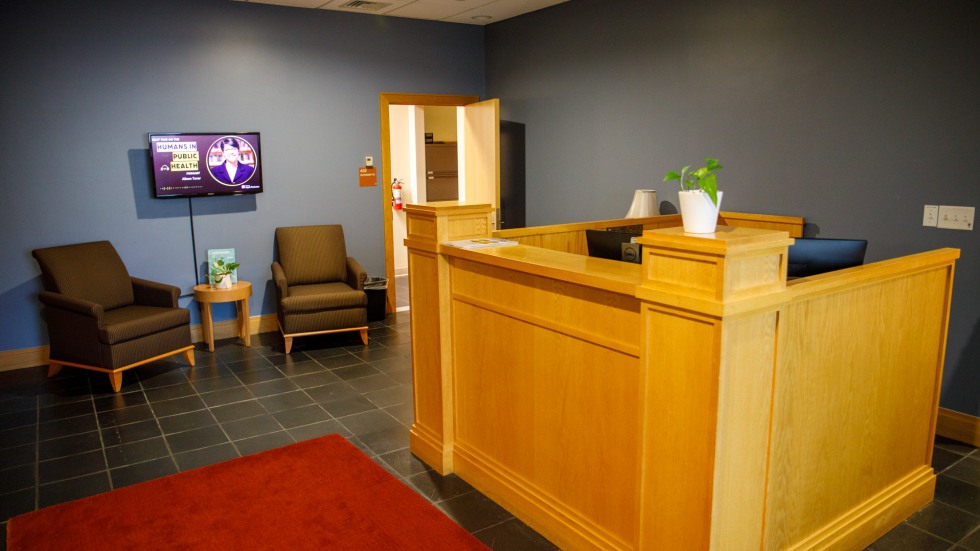
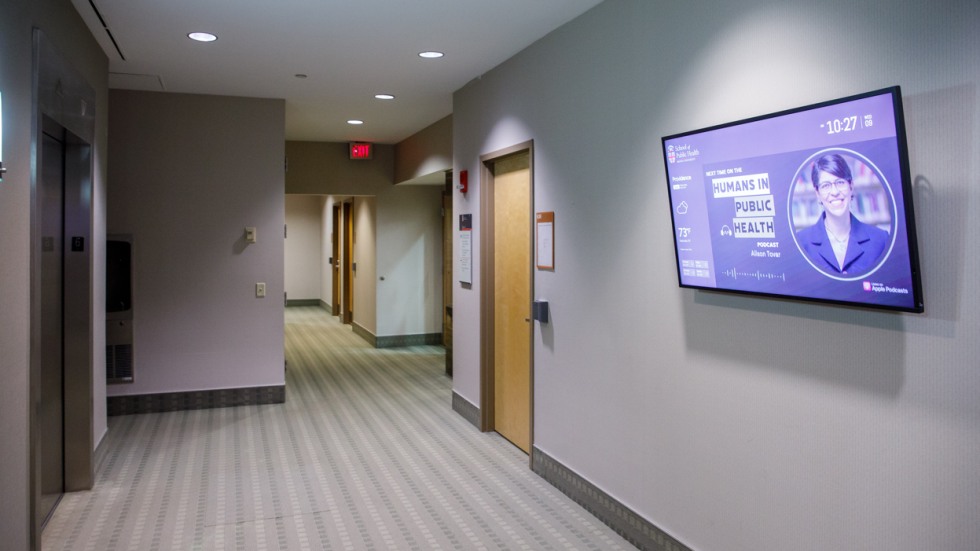
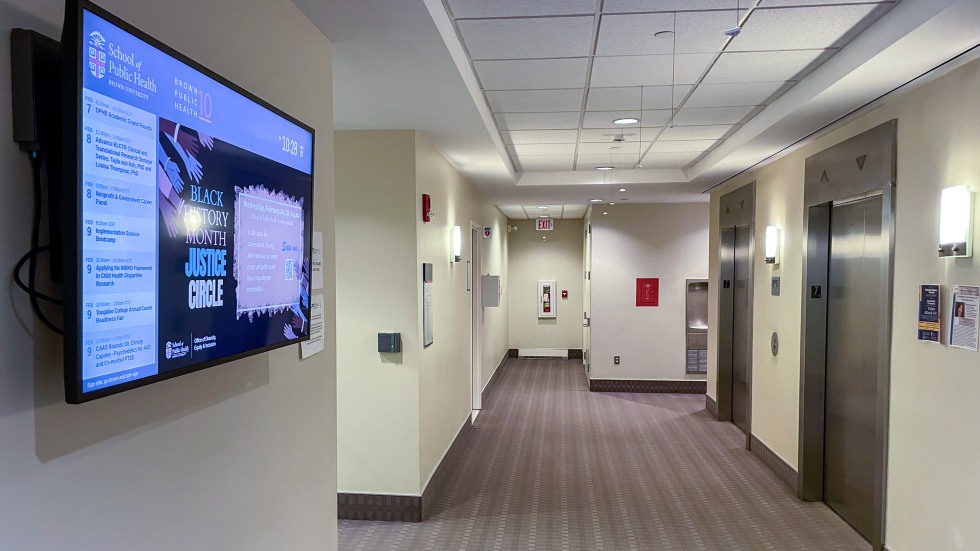
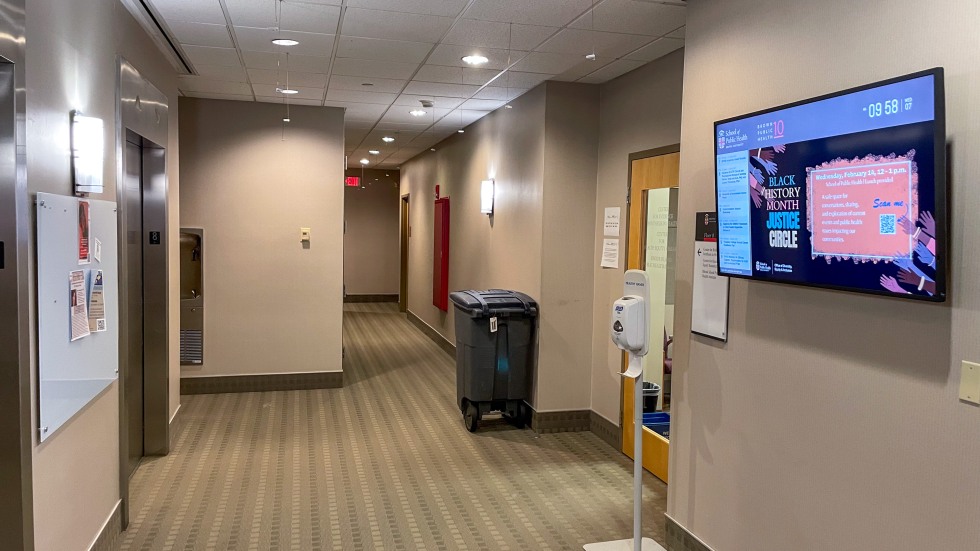
The 121 South Main Street building has horizontal displays in these locations:

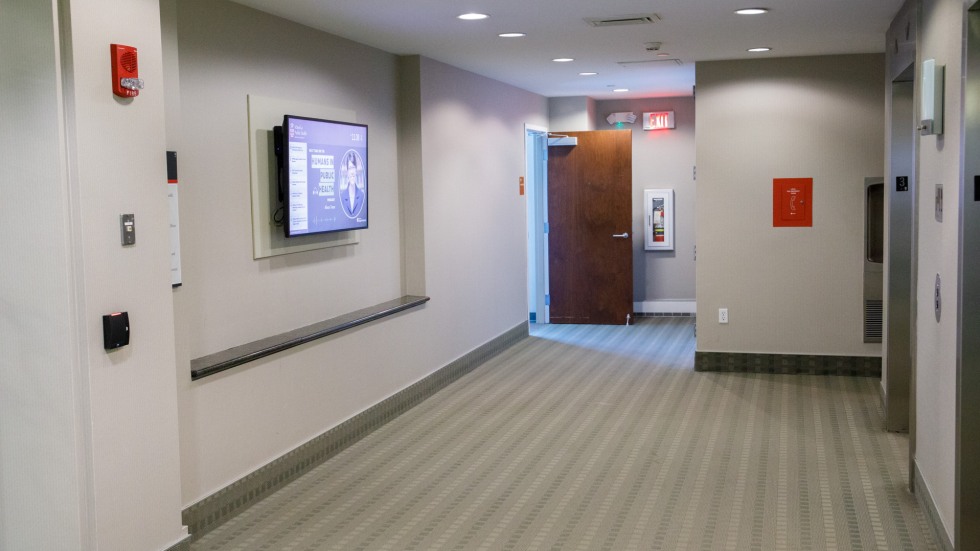
  • 2nd floor hallway outside elevators
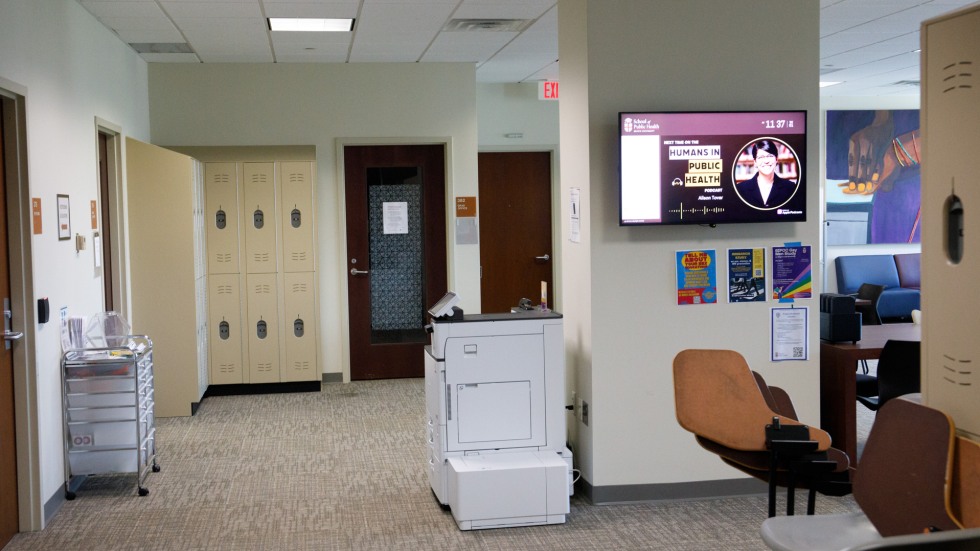
  • 2nd floor outside room 245 *
  • 3rd floor hallway outside elevators
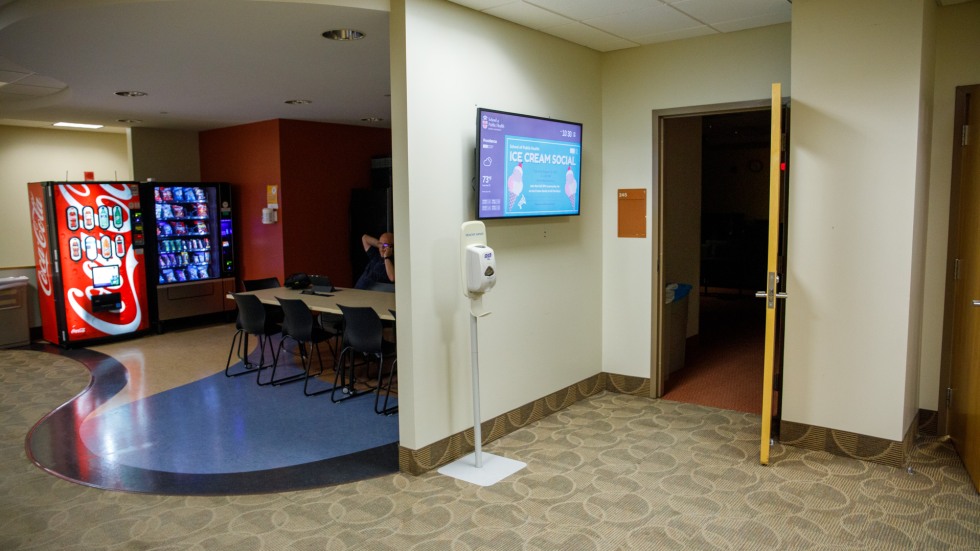
  • 3rd floor student lounge *
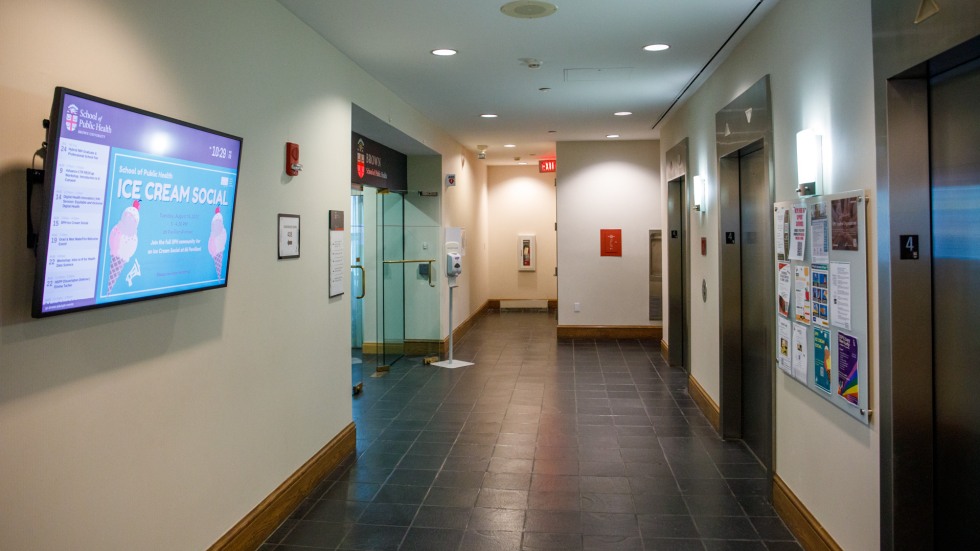
  • 4th floor hallway outside elevators
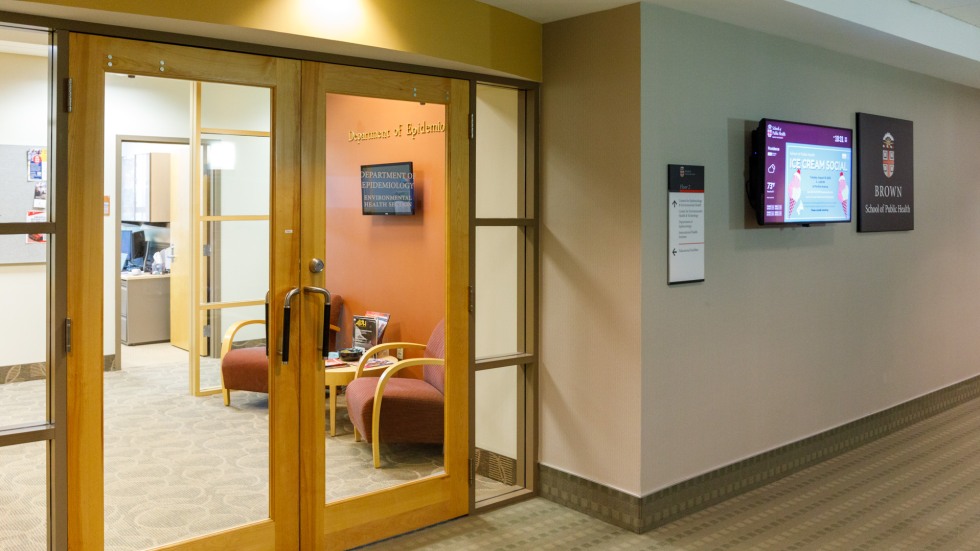
  • 4th floor inside reception area* (smaller screen)
  • 6th floor hallway outside elevators
  • 7th floor hallway outside elevators
  • 8th floor hallway outside elevators
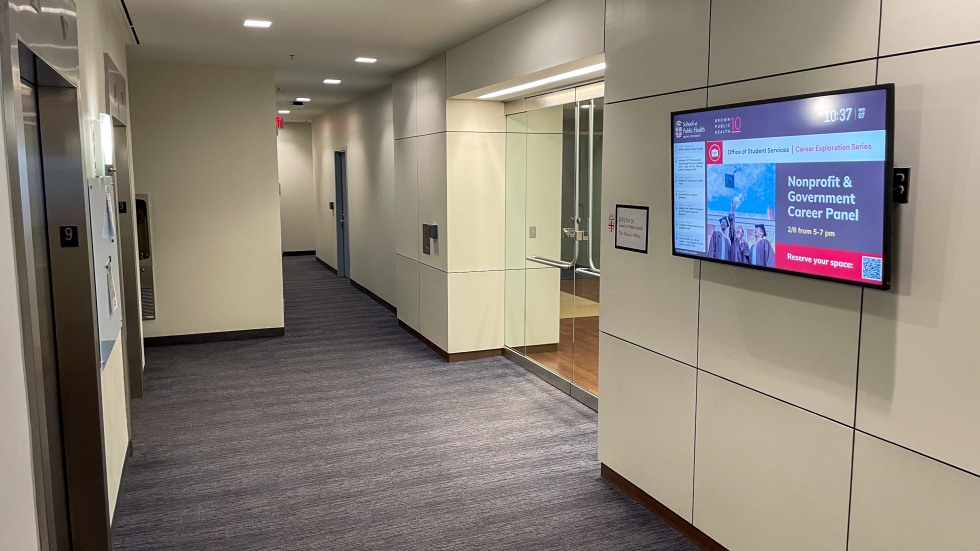
  • 9th floor hallway outside elevators

Additionally, we have one vertical display:

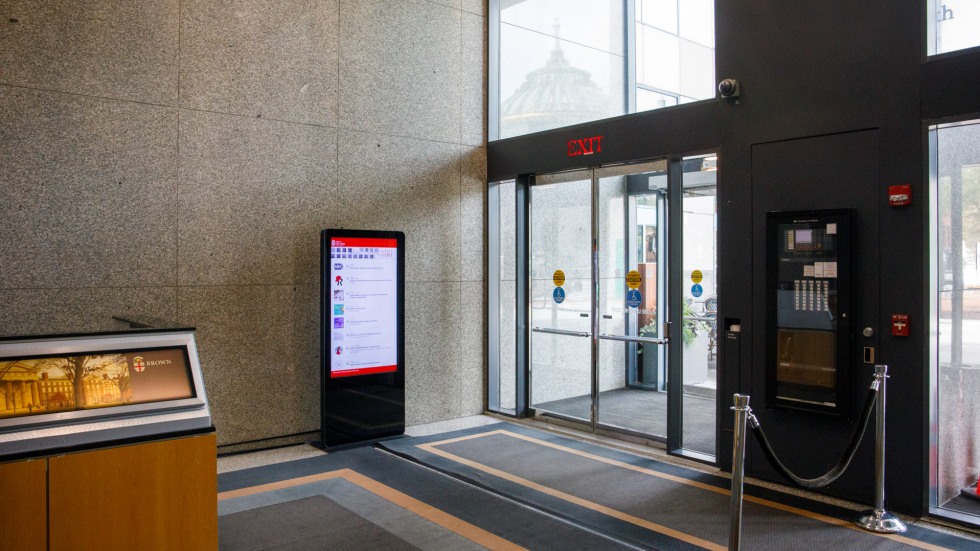
  • First Floor lobby

* Note: the three non-hallway horizontal screens are informally designated "student spaces" and are configured to show extra content which is primarily of interest to students (ie, timesheet reminders, library research info, etc).

First Floor lobby
1 of 11

First Floor lobby

2nd floor hallway outside elevators
2 of 11

2nd floor hallway outside elevators

2nd floor outside room 245
3 of 11

2nd floor outside room 245

3rd floor hallway outside elevators
4 of 11

3rd floor hallway outside elevators

3rd floor student lounge
5 of 11

3rd floor student lounge

4th floor hallway outside elevators
6 of 11

4th floor hallway outside elevators

4th floor inside reception area (smaller screen)
7 of 11

4th floor inside reception area (smaller screen)

6th floor hallway outside elevators
8 of 11

6th floor hallway outside elevators

7th floor hallway outside elevators
9 of 11

7th floor hallway outside elevators

8th floor hallway outside elevators
10 of 11

8th floor hallway outside elevators

9th floor hallway outside elevators
11 of 11

9th floor hallway outside elevators

Brown University School of Public Health
Providence RI 02903 401-863-3375 public_health@brown.edu

Quick Navigation

  • Newsletter
  • Visit Brown
  • Campus Map

Footer Navigation

  • Accessibility
  • Careers at Brown
Give To Brown

© Brown University

School of Public Health Brown University
For You
Search Menu

Mobile Site Navigation

    Mobile Site Navigation

    • Home
    • Who We Are
    • Our Services
      • Digital Displays
      • Loaner Equipment
    • Guides
      • Editorial Guide
      • Event Planning and Promotion
      • Internal Mailing Lists
      • Artificial Intelligence (AI) Guidelines
    • Resources & Branding
      • Logos & Visual Identity
      • Email Signature and Stationery Suite
      • Images, Audio, Video & Multimedia
      • Templates
      • Social Media Directory
      • SPH Newsletters
      • Web Guidelines and Best Practices
      • Zoom
    • For Journalists
All of Brown.edu People
Close Search